How it started
After a few months as a program manager, I wondered whether it was possible to understand how the training was really going without going crazy over Excel files.
So I tried to build a system that analyses the Excel file of a single quarter, entirely locally, so as to have no network dependencies, and without relying on Claude or third parties, so as not to give access to confidential data.
The first version was limited but very simple to use: you just dropped a report into the designated area and got back numbers and charts that are easy to read.
How it grew
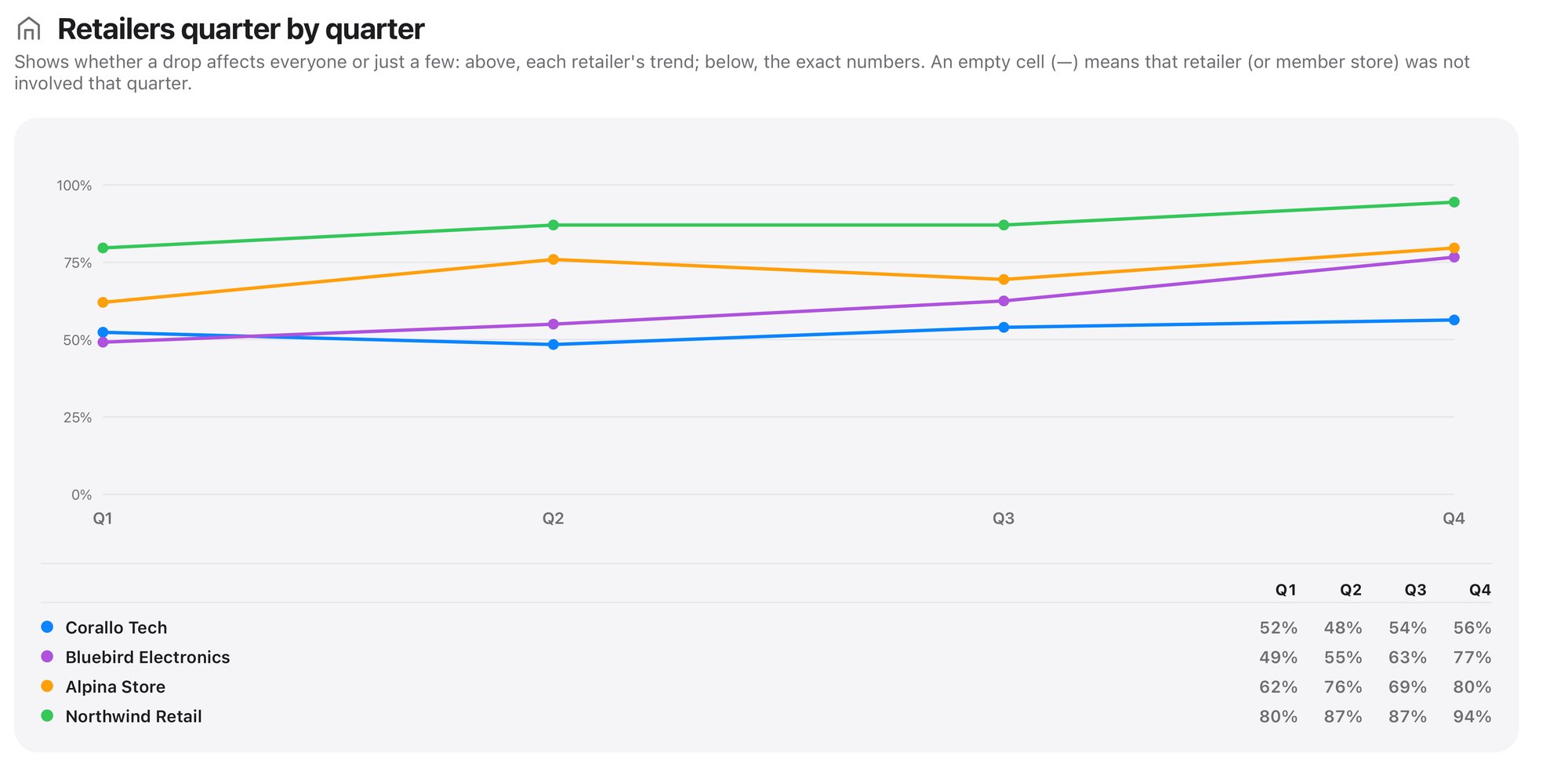
I used the charts from the first experiment to create a report for the client, who liked it very much. At that point I showed them the dashboard too, and we had several rounds of discussion to expand its features, adapting them to their specific needs.
The latest version therefore lets you load all the files for the fiscal year to get a complete overview, with all the filters you need to get detailed, specific data when required. With so many new features, the interface was completely redesigned, to make it clearer to use.
What I learned
The traditional way of working – in this case Excel – can coexist with artificial intelligence that turns numbers and data into charts and trends that are easier to analyse.
We are often held back by respect for the confidentiality and privacy of data, but AI can help us build systems that run locally without breaking agreements or regulations; you just have to start development from that basis instead of thinking about it when it is already too late.