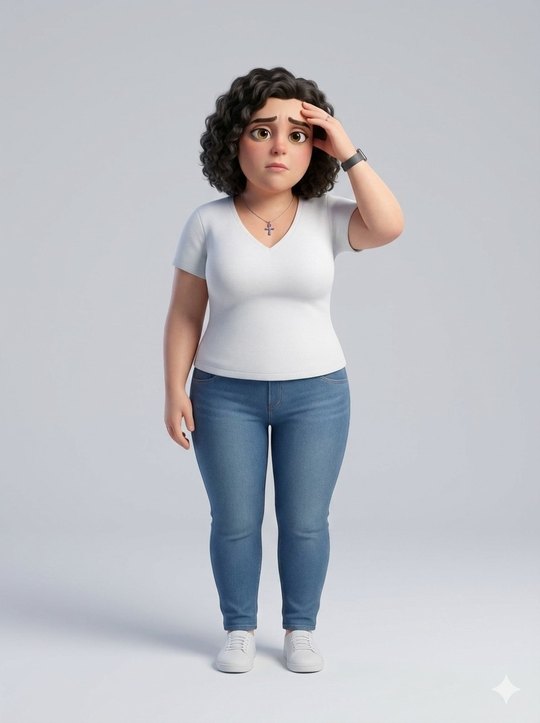
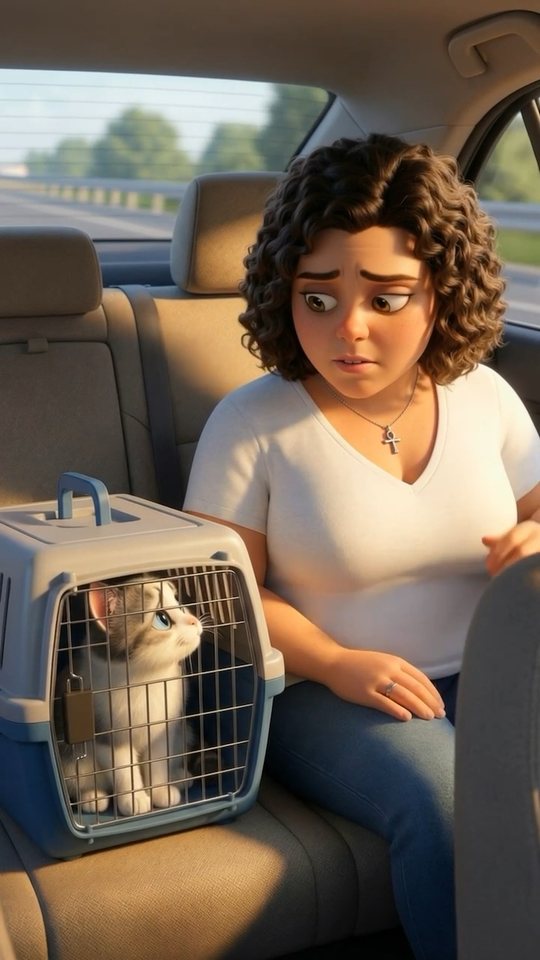
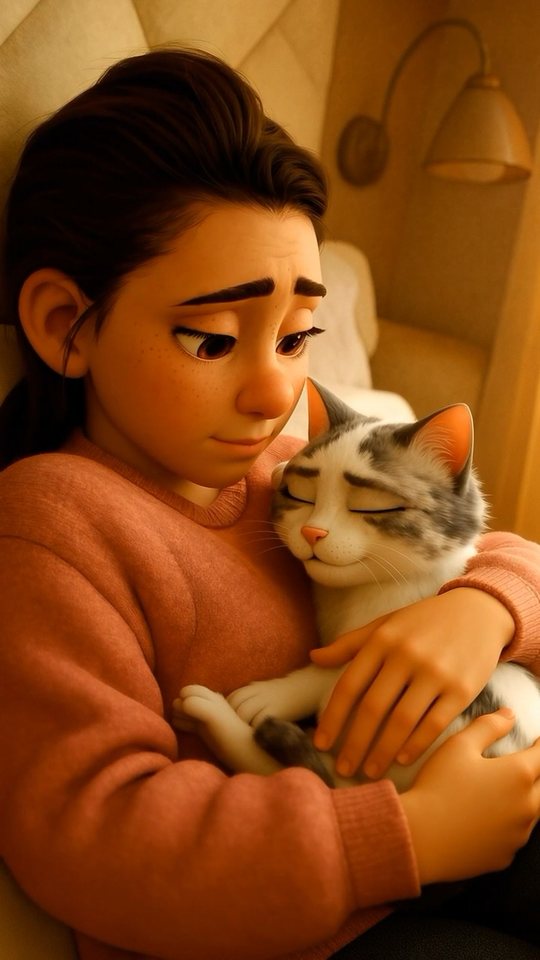
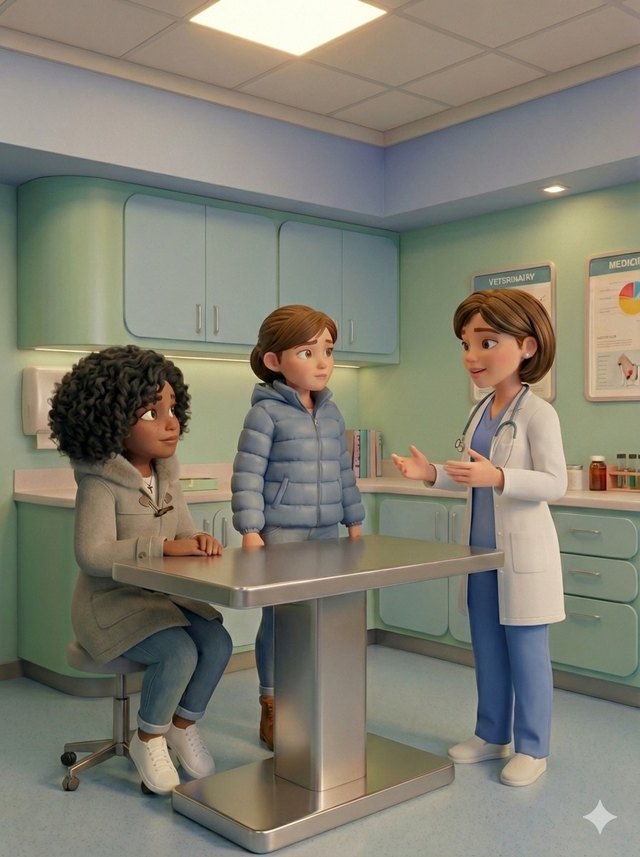
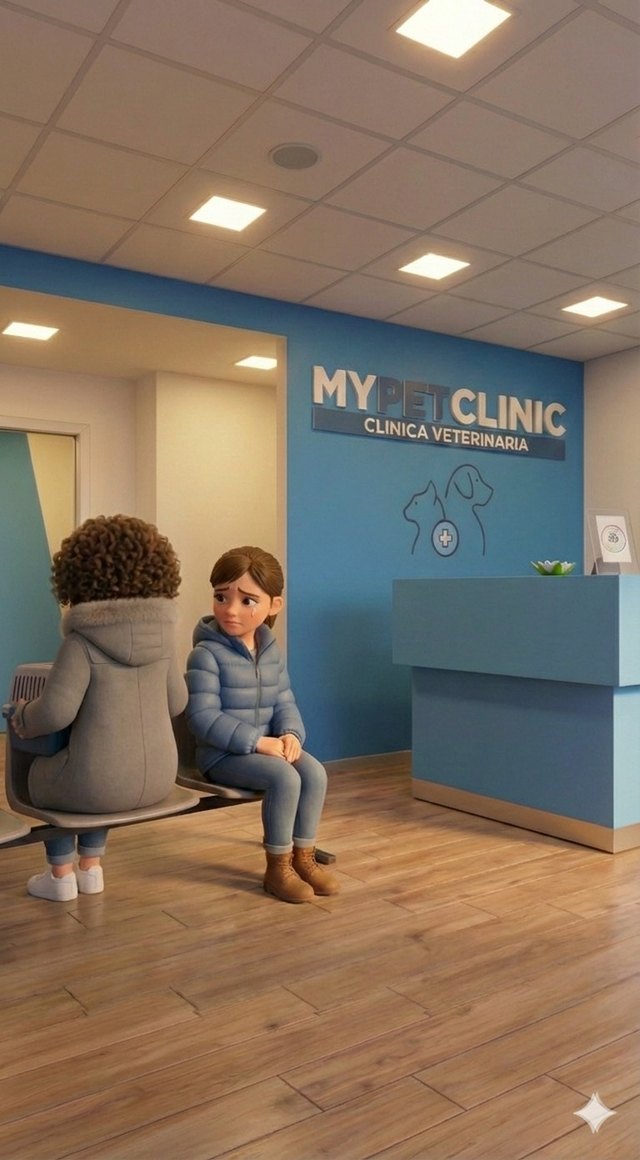
Why I made it
How do you shake off the worry when your pet starts having health problems? When you have to take them to the vet again and again in a carrier, and hear them cry the whole way? When they are terrified in front of the vet?
Honestly, I do not know. I do not know what the right method is. All I know is that, when it happened to me, I decided to make a video with AI.
Turning a bad situation into a very short video felt like a good way to work through it.
How I made it
Luna at the vet is not my first experiment with AI-generated video. I had already tried a few times, but nothing complex: one prompt, one clip.
A real video, though, is not made of a single scene: it has to tell a story, with recognisable characters, recurring settings, a logical thread that helps make sense of what happens. That is why I started from a storyboard drawn by hand on an iPad, with small boxes summing up what had to happen in each scene. Once it was ready, I worked through the scenes with ChatGPT to get a description of each one and its prompt.
Then came the clips. Some made with Google Veo, others with Adobe Firefly and others still with Envato Elements, trying to make the most of each subscription but also to get around their limits. Every platform allows a limited number of videos or credits, and this forced me, to finish as quickly as possible, to switch from one platform to another.
Once I had the 14 clips that make up Luna at the vet, I put them together in Adobe Premiere Pro, adding transitions, sound effects, music and everything needed to turn that set of AI-generated videos into something closer to an animated short.
The biggest difficulty
Generating a clip with AI is easy; making a whole video is a different story, mostly because AI has a problem: subject persistence. Keeping the subject the same from clip to clip is harder than it looks, and it is just as hard to keep the subject identical to itself when you only need to fix small details inside a clip: a wrong pose, a detail out of place, a mistimed moment. Even the tiniest corrections lead to protagonists who no longer look alike. And that happened in Luna at the vet too.
I began to understand the right approach when I was already far into the work: creating models of the protagonists, the settings and the recurring objects to feed the AI along with the prompts helps a lot, and so do extremely detailed prompts, ideally in English, a language AI finds easier to understand.
None of this will probably be enough, though. If there is one thing I learned, it is that there is a reason tools like Google Flow or Higgsfield’s Cinematic Studio exist: to get a convincing result you need a tool built for it. It does not make things easy, to be clear, but it makes them more structured and doable.