Why I made it
Today, knowing how to use AI is an edge. In a few years it will probably be essential, and those who have already caught up, understanding what it is, how it works and how to use it, will feel less caught off guard when it truly enters everyday work.
The right time to do it is now. But how do you do it when it is not about learning AI on your own, but about teaching it to someone else?
You can hand over a list of links to study. Or you can walk the person through it: not just tell them things, but stay beside them while they start using AI. That is the path I chose when I wanted to help a colleague catch up.
How I built it and what is in it
I started from research with Gemini on the key points: what AI is, how it came about, how to write a prompt, what hallucinations are… These are all things that provide context and useful information for anyone approaching AI now.
Once the essential elements of a course were identified, Gemini and I built the outline, which I then reviewed with Claude before starting on the slides. I also gave Claude directions on the design, the images and the exercises to include, until I got a result close to the idea I had in mind.
At that point I reviewed and corrected every slide by hand, hid the ones that seemed superfluous and tried out the exercises to make sure everything was feasible and made sense.
Finally I thought about the presenter notes, dictating them with Wispr Flow (referral link) while I explained the whole course as I would have done in the classroom.
The result of this day of work – because the time it took was roughly 8 hours – was a course that turned out effective, interesting and able to capture my colleague’s attention. A course in three parts: basic theory, the essential elements for starting to use AI (from writing a prompt to checking the data) and practice centred on our work as trainers.
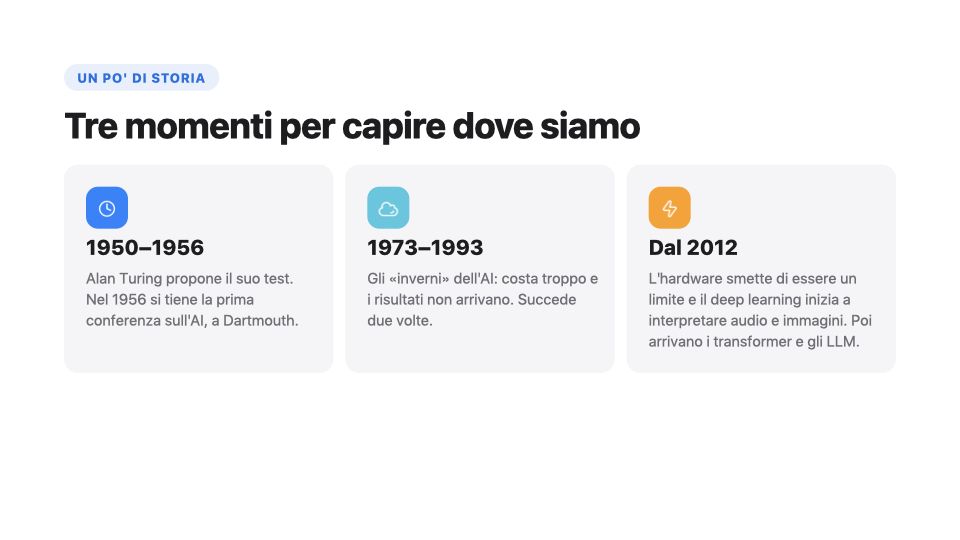
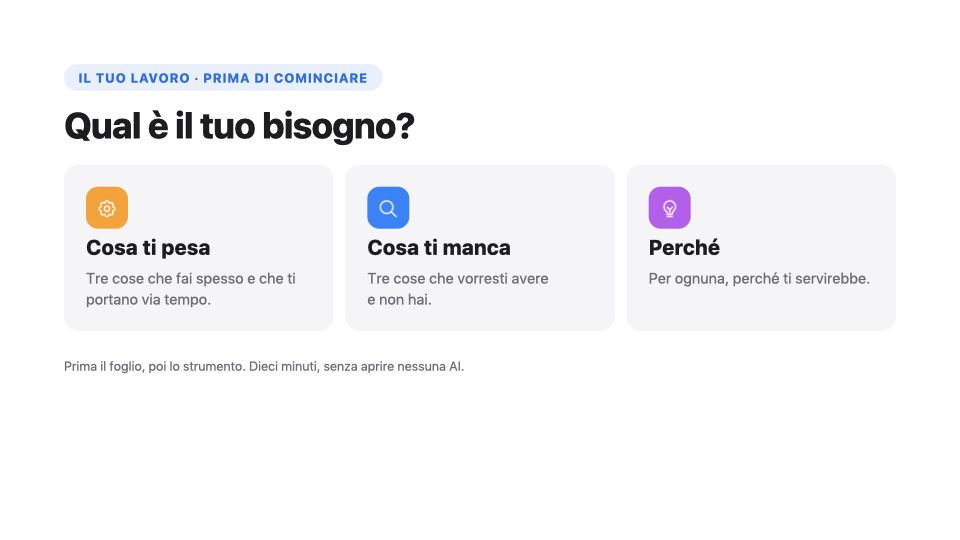
At the end of the course I asked for feedback and used those suggestions to create version 2.0.
From presentation to game
Some time later I presented the course to the client, with the idea of making it available to other trainers in other countries.
The client not only liked the course but asked me whether it could be translated into English or, even better, turned into a more interactive version. In short, an AI course that made even more use of AI.
Challenge accepted.
For the first 5 minutes I thought “this will be great fun”, but then I started to wonder: how do you turn a course made of slides and exercises done together with the trainer into something more engaging, that does not look like just another presentation? How do you avoid reducing everything to an incomprehensible infographic? And how do I know how much interactivity is the right amount?
My first thought was gamification: points, badges, questions to answer, things to do and to touch. Not to make a game for its own sake, but because taking part and building something together is undoubtedly more appealing than “sitting through” a presentation.
If you think that solved it, you are wrong. Deciding to add game elements and deciding how to do it are two very different things.
That is why I spent a good 3 hours brainstorming with Claude, trying to work out what this interactive version should look like, how to keep the exercises, which parts had to stay the same and which should change.
The result of this planning phase was four separate files, which became the basis for the more operational part: the one in which Claude Code turned an idea into an animated path that is fun, yet still educational.
You go through it like a journey, stop after stop, with animations that explain the concepts, small games, checks at the end of each module and a team score with badges. The exercises are done outside it, in each person’s own AI tool, with a reminder not to use personal or confidential data.
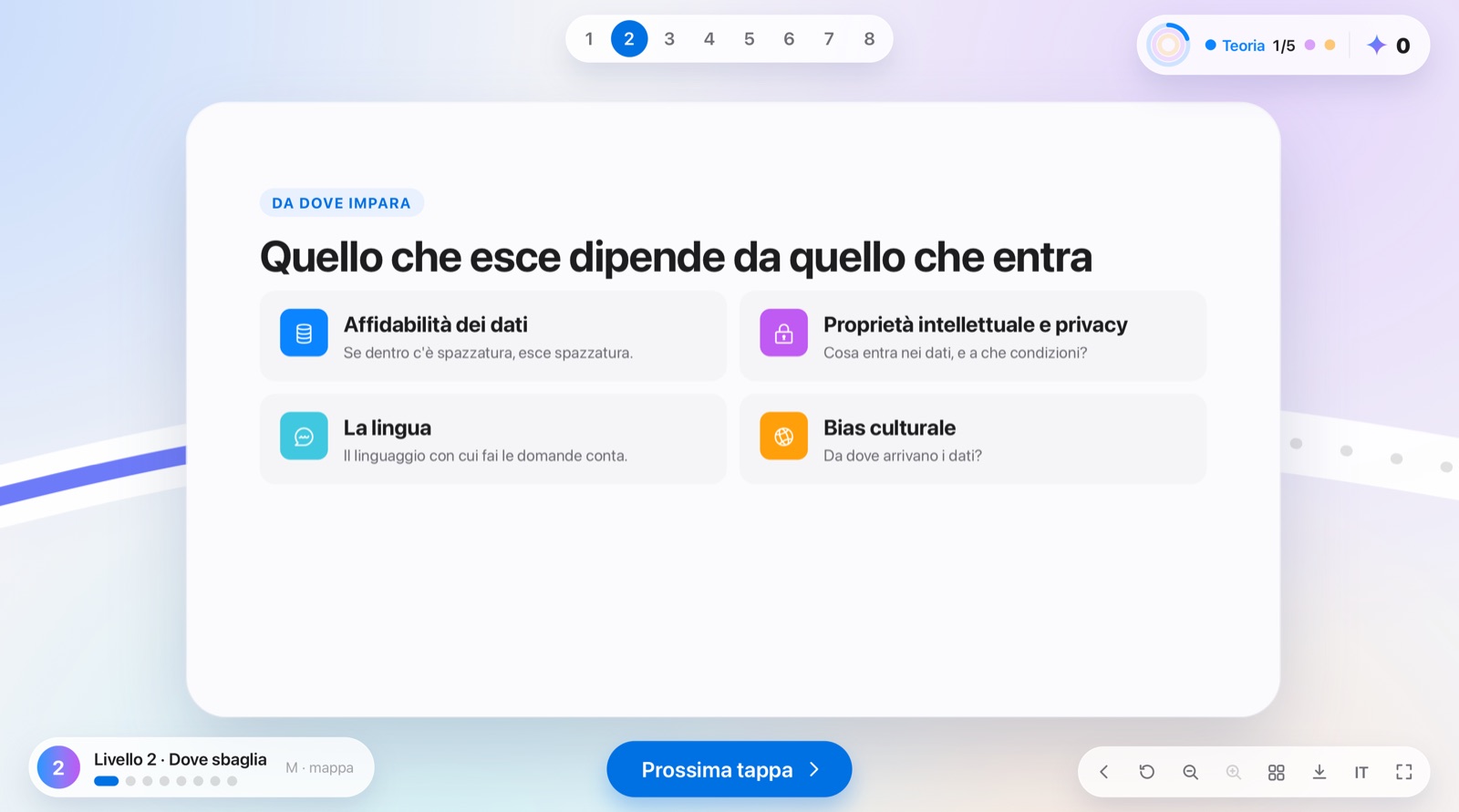
For now it is meant to be led by a trainer, who shares the screen and sets the pace, but one day I would like it to have a self-paced version too, and perhaps more paths: for trainers, for project managers, for analysts, and so on. I do not know whether that will happen but, just in case, I asked Claude Code to structure the course so that adding new paths is simple.
What I learned
A course built with AI works if you already know what makes a course “good”. Gemini and Claude helped me with the structure and the slides, but what to keep, what to cut and how to say it came from the trainings I have taught over the years.
Making the course interactive, however, pushed me out of my comfort zone, forcing me to combine skills I already had: using AI, training and knowing the world of video games. Three things I would never have thought of combining, and which allowed me, with a bit of brainstorming and planning, to create a path that could be a real edge.