
Building Flowy: what shipping my own iOS app taught me

For the past two years I’ve used expense-tracking apps almost daily. The App Store is full of them, some far more complex and feature-rich than what I ended up building. But none of them actually matched how I get paid and how I spend, so I kept adapting my habits to the app instead of the other way around.
At the same time, I wanted to push what I was doing with Claude past writing copy and analyzing spreadsheets. Building a real product felt like the right next step. That combination, a genuine personal need plus curiosity about how far AI-assisted development could take me, is where Flowy started.
From an idea to a working app
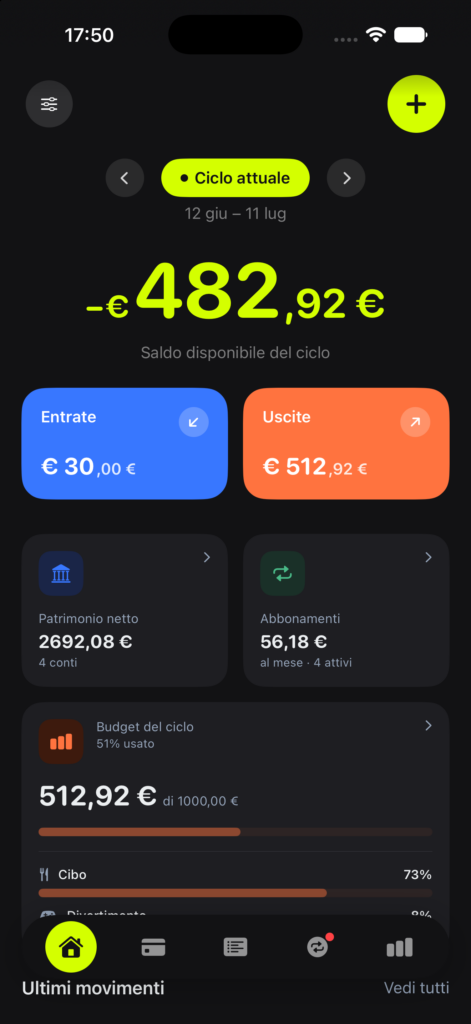
I began the way I’d approach any content or project: research first. I looked at competitor apps, mapped what they did well and where they fell short, and used that to sketch what Flowy needed to do differently. The one idea that stuck: track spending against your actual payday cycle instead of the calendar month. It sounds small, but it’s the difference that makes the numbers finally make sense.
From there I moved into building, using Claude Code with Xcode to write the app in SwiftUI.
About a month of development, mostly on weekends, testing constantly on Xcode’s iPhone simulator as the app took shape. Then roughly another month of testing: first on my own devices, then with beta testers recruited from friends and followers on TestFlight. Their feedback shaped several features before launch, and the app never crashed once during that entire beta period.
What I actually learned
This is the part that matters most for how I think about my own work going forward.
Product thinking under real constraints. Every feature request had to be weighed against “does this keep the app doing one thing well.” Saying no to good ideas, like adding investment tracking before nailing the basics, turned out to be as important as saying yes.
Reading data and acting on it. Between App Store Connect analytics, App Review feedback, and real bug reports from actual users, I got fast at separating signal from noise: a dip in conversion rate that’s just a wider, less-targeted audience versus a genuine problem with the listing; a bug someone hit once versus a pattern worth fixing before the next release.
The unglamorous side of shipping software. Nobody warns you that App Store Connect, Xcode Cloud, and TestFlight have their own learning curve entirely separate from writing code: version numbering, build pipelines, provisioning, review guidelines, release timing. I learned all of it from scratch, and Flowy has never been rejected by Apple, not once, in testing or in review.
Localization and accessibility aren’t afterthoughts. Getting an app to genuinely work in a second language, or for someone using a screen reader, surfaces details you’d never think to check otherwise. Some of the most useful bug reports I got after launch were about exactly this.
AI as a real collaborator, not a shortcut. I used different AI tools for different jobs, Claude Code for building and for navigating the entire App Store submission process, Claude Design for the user interface, Google Gemini e Perplexity for early competitor and market research, ChatGPT for the icon drafts. None of it replaced judgment: what to build, what to cut, what a user actually meant when they described a bug in a sentence that didn’t quite make sense. That judgment is still the job.
Where Flowy stands now
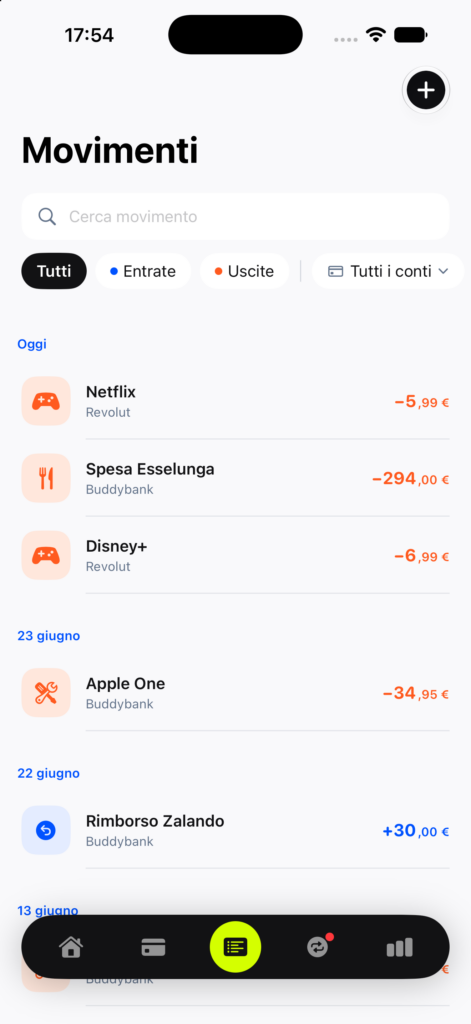
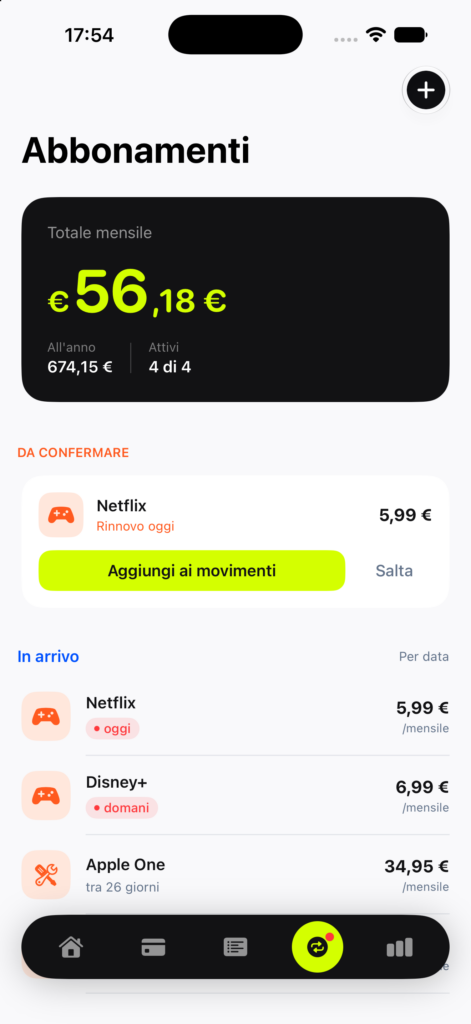
Flowy is live on the App Store, free, with no ads and no account required. Available in Italian as well as in English.
It’s already picked up several five-star reviews, and the requests coming in now, like support for tracking investments, are exactly the kind of validated feature ideas I was hoping to collect before deciding what comes next.
It’s not a finished product, and I don’t think it ever will be. But it’s real software, used by real people, that I designed, built, tested, and shipped. That’s a different kind of skill than writing about products or running a launch for someone else’s, and I’m glad I finally went and did it myself.